Oracle Tap – Service Cloud on Mobile

Mobility is key in today’s digital world, where information travels “at the speed of light” and businesses need to be always aware, and have real-time data feeds.

The Oracle Service Cloud Mobile Agent App – named Oracle TAP – was introduced back in 2013. Since then Oracle has enhanced its capability significantly.

Its aim is to allow Customer Service directors, managers and team leaders to be on top of things, and be able to see what is happening, remotely, from a mobile device.

It is important also to say that the Oracle Service Cloud Mobile Agent App is not a full-blown Agent Desktop, where users can see everything and anything.

The data available in the Mobile Agent App is only that related to the open Incidents. Meaning that you will only be able to see Organisations, Contacts, Tasks, etc. related to open Incidents (i.e. not “Solved”).

That said, the capability is actually outstanding. First, it is very easy to set up, as you just need to add the Server URL (https://YourSiteURL/cgi-bin/InterfaceName.cfg/php/tap/v1), and it is possible to have multiple sites set up.
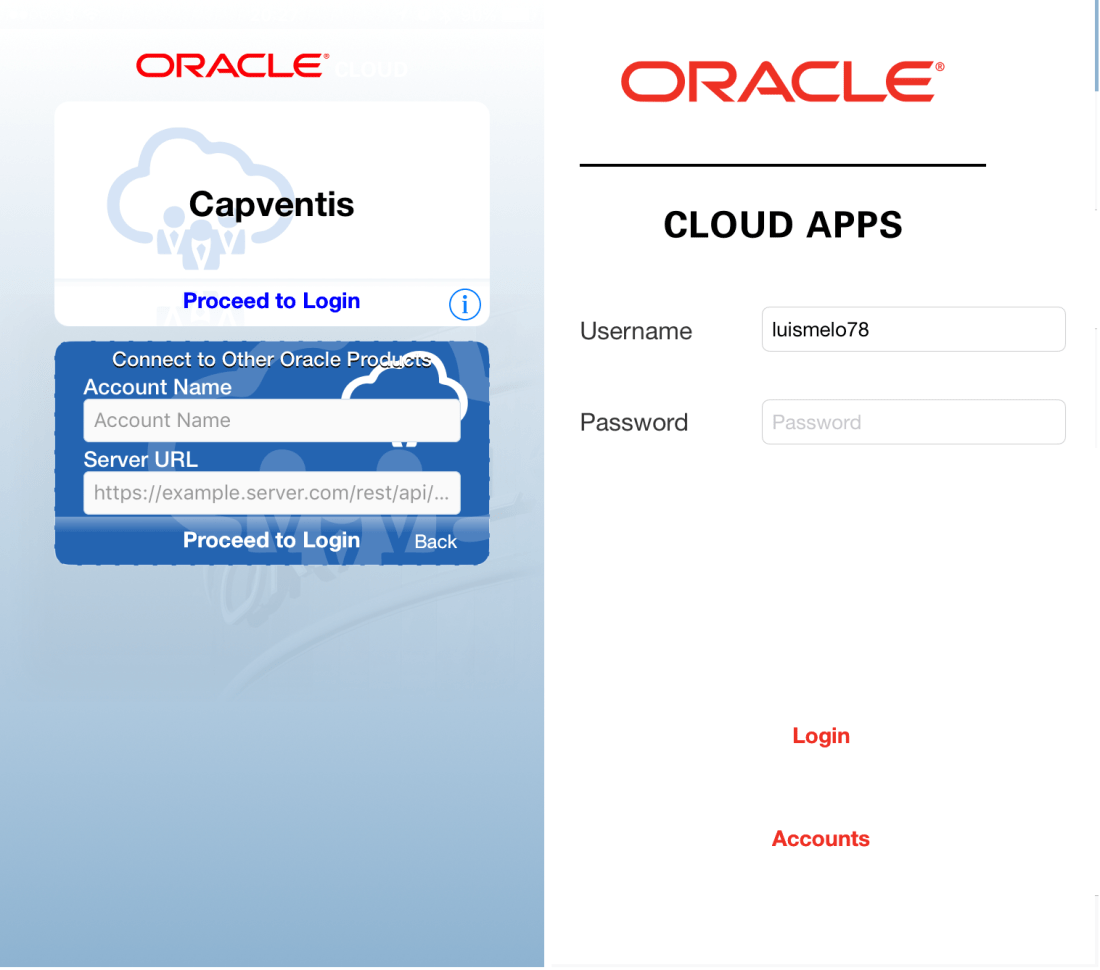
20170127 Oracle TAP - login.png

The user can create his/her own home page with Charts, and other useful elements that can give an immediate overview of the customer service operation.

20170127 Oracle TAP - Charts.png

The main menu allows the user to access the list of staff (and drill down into the Incidents assigned to each of the staff members), Incidents, Contact, Organisation, Tasks, and even Answers in the knowledge base. The Incidents area, for example, shows “My Inbox”, but also the list of all open Incidents.

20170127-oracle-tap-incidents

Tapping on one of the records (e.g. an Incident) allows the user to see the key details (e.g. Subject, Status, Queue, etc.) as well as the detail associated to it (e.g. Message Thread, Tasks, etc.).
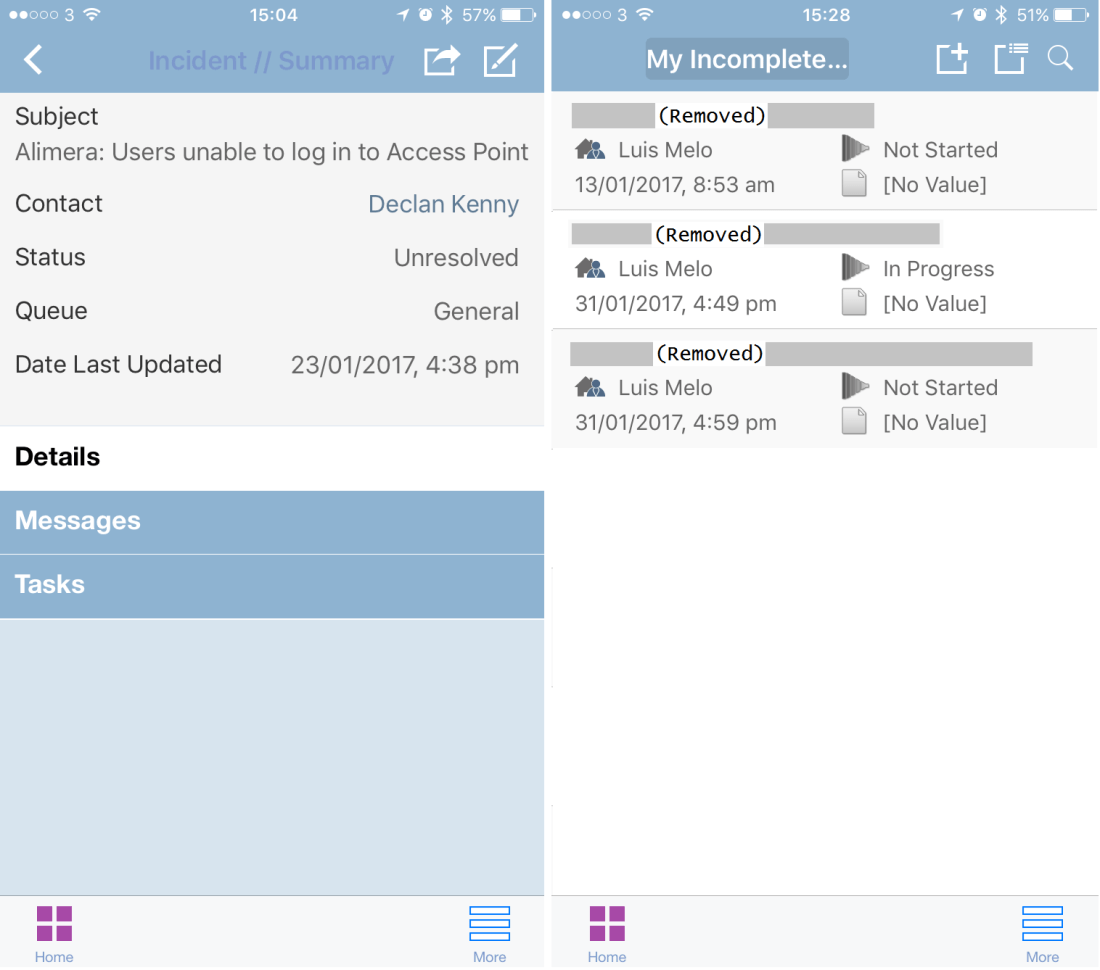
20170127 Oracle TAP - Tasks.png

Integration: Connect Web Services and .NET API

One of the best, and most challenging, implementation projects I had the opportunity to be involved with as a Lead Consultant and Project Manager was in a company with 50 offices, 700,000 customers, a global sales & marketing organisation and 2 contact centres (Europe and Asia).

Oracle Service Cloud was chosen as the platform at the centre of this key strategic project which aimed to achieve transformation in Sales, Marketing, Customer Service, and back-office Operations.

As the main Customer platform, and to provide the users with a full 360-degree view of the customer, Oracle Service Cloud had to be integrated with legacy Oracle eBusiness Suite (on-premise), as well as a bespoke system (Amazon Cloud). Oracle Fusion Middleware was already in place to be the glue that would join up all systems.

To deliver the full 360-degree view of the customer, Oracle Service Cloud would have to allow staff members to see key customer information (demographics, contacts, etc.), customer details (roles, relationships, interactions), finance and other information, stored in Oracle eBusiness Suite.

Furthermore, the full 360-degree view of the customer in Oracle Service Cloud would also have to display company-specific information, associated with each customer, stored in a bespoke system, hosted in the Amazon Cloud.

The challenge was not only to have a synchronisation of key customer information, and service requests (created by legacy processes in Oracle eBusiness Suite), but also display the additional data (from Oracle eBusiness Suite and bespoke system) without holding it in the Oracle Service Cloud database.

Two types of integrations were developed:

  • Near Real-Time type integration (in grey) to synchronise key customer information and service requests, between Oracle eBusiness Suite and Oracle Service Cloud databases;
  • Surfacing type integration (in red) to get customer details, finance and other information from Oracle eBusiness Suite and the bespoke system, and display it in a custom screen embedded in the Contact workspace.

Below is a brief overview of the architecture:

20170122-project-architecture

These two integrations were developed, leveraging the Oracle Service Cloud Connect Web Services for SOAP (CWS SOAP), and the .NET API that allowed our team to build the integration and the custom .NET components, controls, and applications needed for the custom screen.

The project go-live was a few months ago. After a period of stabilization this post is not only to share the experience, and show the power and art of the possible with Oracle Service Cloud, but also to celebrate the effort of a fantastic team (made of Capventis and Client resources).

6 Must-Haves for Agent-Facing Knowledge Base

Every contact centre manager wants – in all honesty, desperately needs – to help agents deliver a much better customer experience. But unfortunately there hasn’t been much originality in the solutions and practices to try and gear them up.

Soft skills training and call scripting are usually chosen to try and make agents deliver a better service, but it hasn’t worked out well. Fresher and smarter approaches are needed to replace these traditional ways. Contact centre managers need to invest in agent-facing knowledge and contextual guidance. Technology is crucial to help enable this.

Most companies have CRM systems able to manage customers, incidents or interactions, but often miss a knowledge base or, even better, a CX platform that would allow the Customer and Case Management capability to be tightly joined up with the knowledge base.

I’ve seen contact centres use Dropbox to store troubleshooting guides, MS SharePoint to build wikis, Google Drive to hold how-to guides, and even gigantic MS Power Point documents with product FAQs and answers. Those tools can give the illusion of an internal and centralised knowledge base, but they are not even close to what needs to be deployed to actually give agents what they need.

A true agent-facing knowledge base needs to have certain capabilities that the aforementioned tools cannot deliver – because they were not actually developed to do so! And the end goal must be to increase agent productivity, and improve key performance metrics (such as FCRR or response time), leading to increase in key customer metrics (such as NPS and CSAT scores).

Here are 6 of the capabilities that a true agent-facing knowledge base must have:

  1. Content creation and authoring – to allow the person responsible for the content (e.g. knowledge rep or manager) to manage content. Create, update or retire. This will enable an easier, faster and controlled deployment of knowledge throughout the organisation.
  2. Categorisation and scoring – for content to be organised, structured, and linked to interaction drivers, as well as dynamically ranked by usefulness. This will enable presentation of the most relevant and effective content first, improving efficiency.
  3. Self-Learning – automatic linking between answers based on search and usage, as well as manual association (by the knowledge rep or manager) of sibling or related answers will help agents find the right answer quicker.
  4. Step-by-step guidance – embedded in knowledge base articles, step-by-step guides give agents the ability to easily and quickly reach the information they need by selecting responses from question branches in guides. Or even, for example, guide customers through a troubleshooting issue.
  5. Usage and management – reporting on the usage and usefulness of each article, as well as the gaps (e.g. keywords search without a match) will allow the knowledge rep or manager to keep a fresh, ever-green, and up-to-date knowledge base.
  6. Keyword, intent and category search – a keyword Google-type search (potentially enhanced by semantic search technology, linguistic dictionaries and advanced algorithms) will match searches to the most relevant content and deliver the right answers immediately.